World of Nukes Controls & Player Tips
Menus, placement, server etiquette, and day-one priorities for World of Nukes.
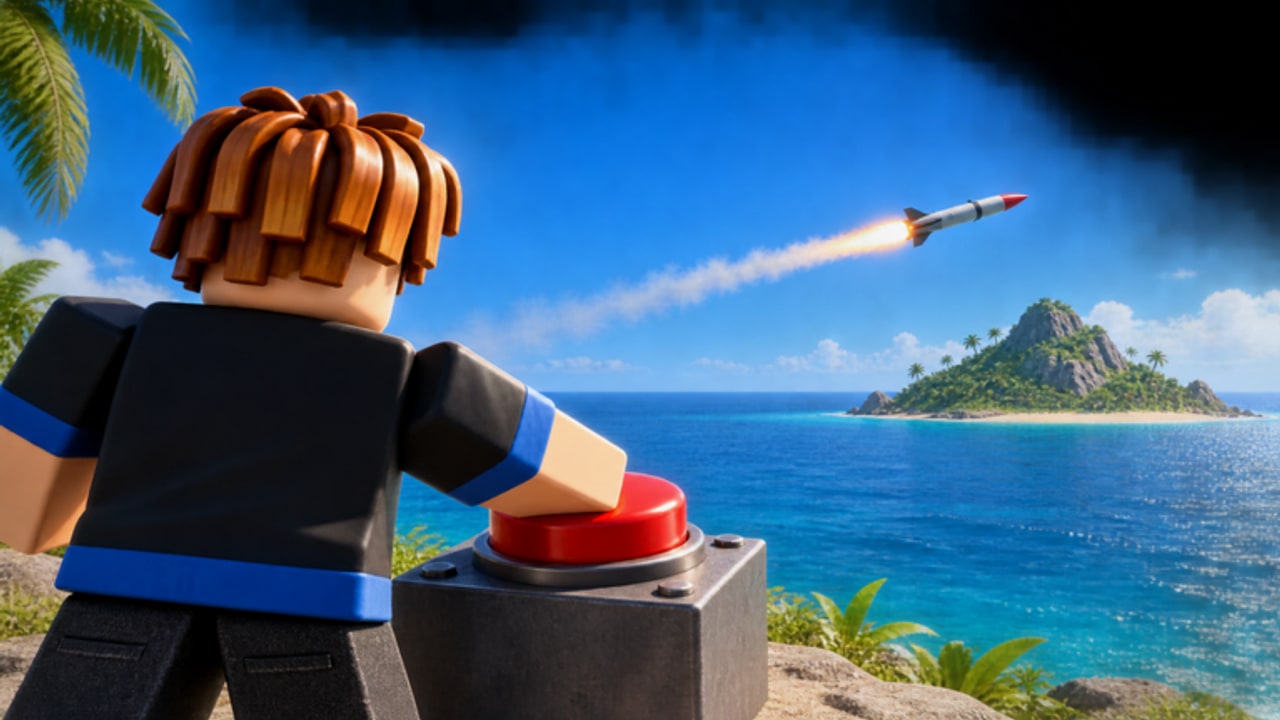
World of Nukes puts up to seven players on one map and asks each of them to grow a camp into a nuclear island state. Missiles, jets, warships, anti-air, shields, wonders, and the Doomsday Device all compete for the same cash pool, so the players who understand the interface and the social map win more often than the ones who only chase the biggest warhead. This hub covers controls, shop layout, server etiquette, early priorities, and the mistakes that wipe new bases. Pair it with the Getting Started walkthrough, the missile launch guide, island defense, live codes, the tier list, and optional scripts notes.
Controls overview
Most sessions start the same way: finish the short tutorial, then learn where every important panel lives. The three-line menu sits in the top-right corner. From that dropdown you open Codes, settings-style options, and other account utilities. Codes are locked until the tutorial ends, so do not rage-quit mid-intro if you came only for free cash.
Movement and camera follow standard Roblox patterns on PC, mobile, and console. On PC you walk with WASD (or the virtual stick on touch), look with the mouse or right stick, and interact with on-screen buttons. The combat and building loops live in dedicated UI, not in obscure hotkeys, which keeps mobile and console players on equal footing.
Shop tabs: BUILDINGS and MISSILES
Open the shop and you will see two primary catalogs:
- BUILDINGS — income structures, HQ upgrades, anti-air, shields, and later wonders. Card art shows footprint and cost; HQ level gates which tier you can buy.
- MISSILES — launchers and warheads matched to your HQ tier. Early cards include cheap Basic and Flea missiles; code rewards often drop Viper rounds that jump you ahead of the default Scud truck era.
Treat the two tabs as a budget conversation. Cash spent on a vanity launcher before your generators pay for themselves is cash you cannot spend on the next HQ or a shield ring. The tier list ranks which missiles and defenses are worth the slot once you can afford choices.
Placement grid: PLACE, ROTATE, CANCEL
Selecting a building or missile card drops you into the placement grid. Three controls matter every time:
- PLACE — commits the blueprint to the island cell under the cursor.
- ROTATE — turns the footprint so roads, launch arcs, and defense cones face the threat you care about.
- CANCEL — backs out without spending cash if the ghost preview clips a neighbor or blocks a future runway.
Rotate before you place. Anti-air arcs and missile pads waste money when they face empty ocean or sit inside each other’s blast risk. Leave corridors for later oil rigs, runways, and pier pieces instead of packing the first ten shacks into a solid brick.
Server etiquette on 7-player maps
Seven seats means every island is a named rival, not anonymous background noise. A few habits keep servers playable:
- Do not spawn-camp brand-new camps for the first few minutes unless they already launched at you. Let people redeem codes and place starter income so the map stays interesting.
- Answer nukes in kind, not forever. Trading a few Vipers after someone hits your HQ is fair game. Endless wipe cycles against a player who already left teach nothing and starve your own economy.
- Call truces in chat when it helps. Temporary peace lets two mid-tier islands race HQ 5–6 instead of mutual poverty. Break a truce only if the other side fires first.
- Respect rebuild windows. After a heavy strike, give targets a short chance to PLACE replacements before you empty another salvo into rubble. You still win the economy war; they stay in the server.
- Keep chat usable. Threats and spam get people muted or hopping servers. Short callouts (“AA west,” “truce?”) beat paragraphs.
Etiquette is not pacifism. World of Nukes is a PvP tycoon. The point is to spend missiles when they matter — denying a wonder, racing a Doomsday Device, or punishing a shield gap — instead of burning every reload on the weakest island.
Early priorities that actually stick
- Tutorial → Codes. Menu → Codes → redeem working strings such as KABOOM and NUKE2 for large cash piles and Viper missiles. Details stay on the codes hub.
- Income before ego. Fill cheap BUILDINGS slots (shacks and small houses) until cash per minute covers your next HQ step. The beginner guide walks the first-hour order.
- Defenses before diplomacy fails. Place a thin anti-air and shield layer around generators and the HQ. Island defense explains why a naked economy dies first.
- One clean first strike. Use the MISSILES tab, PLACE a launcher, pick a target, and fire once you can afford a reload. Practice aim with code Vipers rather than emptying the bank. See how to launch missiles.
- HQ on schedule. Each HQ tier unlocks stronger buildings, missiles, and defense caps. Sitting on HQ 2 with a pretty skyline while neighbors hit HQ 4 is how you become free practice.
- Watch patches. Balance and code drops land often; skim updates after login.
Common mistakes
- Skipping codes because the menu is easy to miss. Free Vipers and six-figure cash beats grinding shacks for the same boost.
- Buying the heaviest missile first. Blast radius looks cool; payback time and reload decide wars. Cross-check the tier list before you dump millions into a vanity nuke.
- Zero anti-air. Offense-only islands donate their generators to the first player who owns a Decoy or Cluster loadout.
- Igloo layouts. Packing every building into one clump means one warhead deletes your entire income. Spread rings and leave PLACE room for future wonders.
- Ignoring ROTATE. Misaligned pads and AA waste coverage you already paid for.
- Fighting everyone at once. On a full server, pick one pressure target and soft-truce the rest until your shields catch up.
- Blind script use. If you experiment with automation, read the scripts page and understand Roblox ToS risk — nothing replaces knowing PLACE / ROTATE / CANCEL yourself.
How this hub fits the rest of the wiki
Use this page as the controls and soft-skills layer. Mechanical depth lives elsewhere: economy and first hour in Getting Started, firing loops in How to Launch Missiles, survival layers in Island Defense, reward strings in Codes, meta rankings in the Tier List, and tooling notes under Scripts. When a patch reshapes HQ costs or adds a new wonder, update your habits here first, then follow the linked guides for the numbers.
Master the menu, respect the seven-player pressure cooker, and spend cash in the order income → defense → missiles → HQ. That loop turns a fragile camp into a nuclear superpower instead of a smoking crater.
Frequently Asked Questions
Quick answers to the most common World of Nukes questions.
Where is the Codes menu in World of Nukes?
After the tutorial, open the three-line menu in the top-right corner and choose Codes. Paste each code exactly, then Redeem. Full rewards are listed on the codes hub.
What do PLACE, ROTATE, and CANCEL do?
They are the placement-grid controls. PLACE commits a building or missile pad, ROTATE turns the footprint, and CANCEL exits without spending. Use ROTATE before PLACE so anti-air and launchers face real threats.
How many players share a World of Nukes server?
Servers cap at **7 players**. Expect constant PvP; build defenses early and avoid fighting the whole map at once. More tips live in this hub and the island defense guide.
Should I buy missiles or income buildings first?
Income first. Fill cheap BUILDINGS slots, redeem codes for cash and Vipers, then add a light defense ring before heavy MISSILES spending. The Getting Started guide covers the order.
Where can I compare missiles and defenses?
Use the missile tier list for rankings and the how to launch missiles guide for the place-target-fire loop.